On entering a contact profile, click on “See more Details” on the relevant contact card. You can add a Tag by clicking on “Add Tag”. You can also create a new tag by typing a name.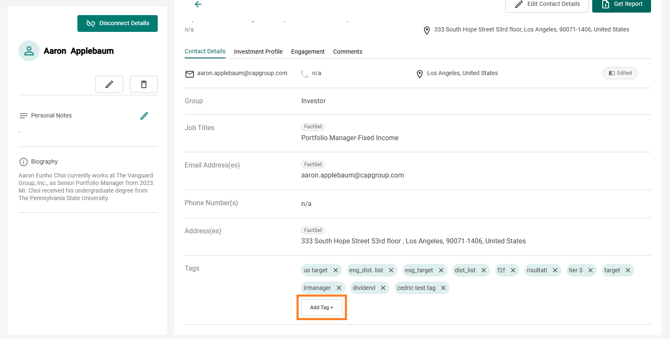
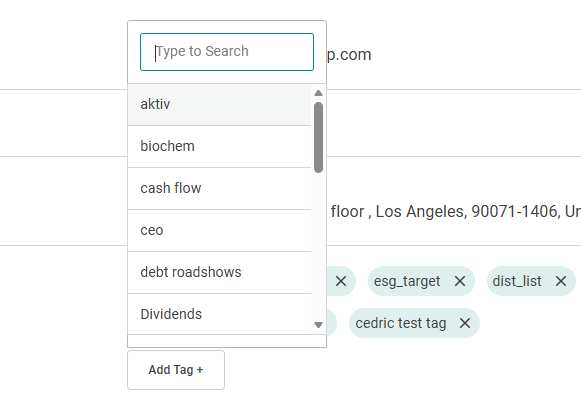
All your Tags will appear in the Tags area of the profile. To remove a Tag from a contact, just click on the small cross next to the Tag’s name.
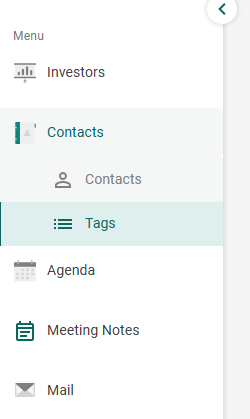
Tag lists containing all the contacts with a particular tag can also be seen in the Tags page.