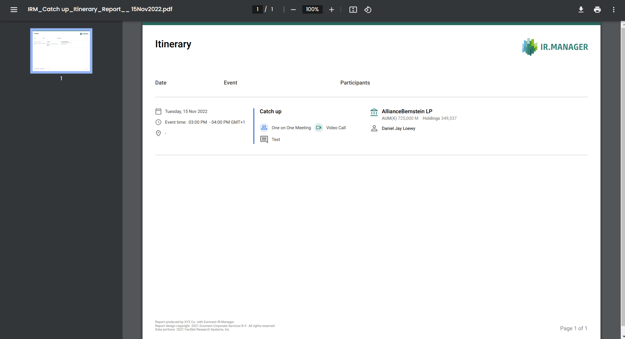
- Go to Agenda > My Agenda.
- Select your meeting by clicking on it (a single Activity or your Multi-event):
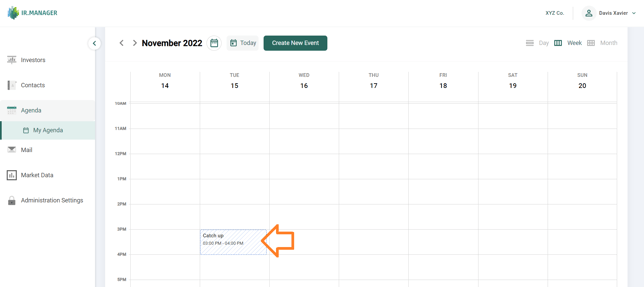
- A popup window appears. In the top-right corner of this window, click on the button Download Report and in its submenu, select Download Itinerary:
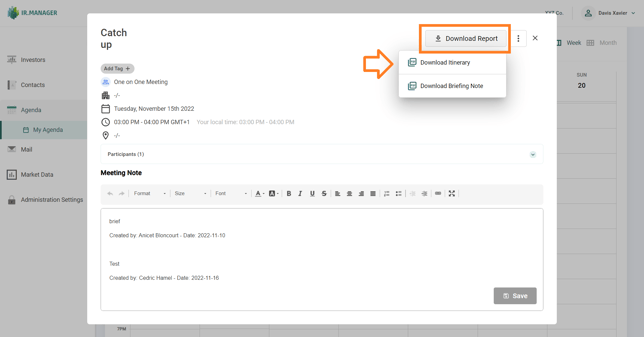
- Download the PDF report on your computer.
- The PDF will be downloaded. Click on the downloaded file to open it:
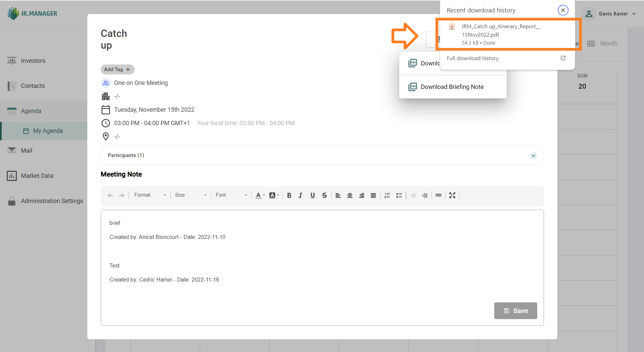
- View of the Itinerary Report in Acrobat Reader: