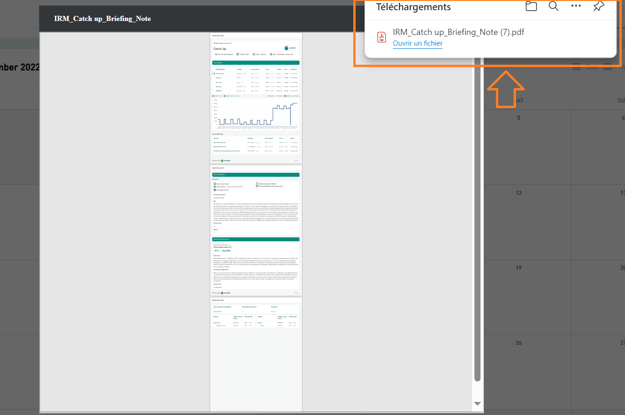
- Go to Agenda > My Agenda.
- Select your meeting by clicking on it (a single Activity or your Multi-event):
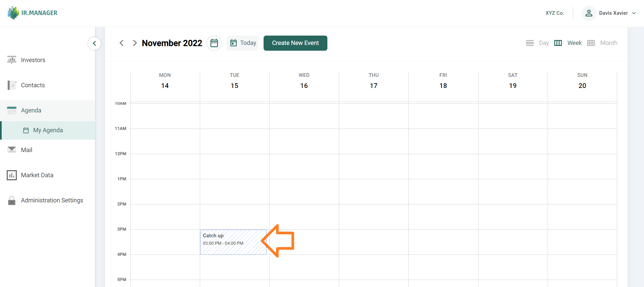
- A popup window appears. In the top-right corner of this window, click on the button Download Report and in its submenu, select Download Briefing Note:
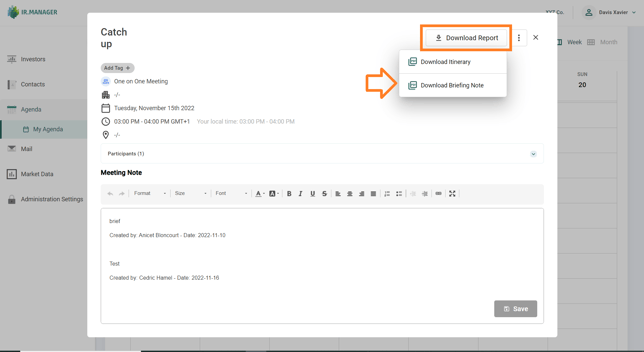
- The Generate Report window is shown. Select the relevant options to customize your Briefing Note (Last Meetings, Data Source, Holdings Data Type and Display Group Holdings). Then click on Generate Report.
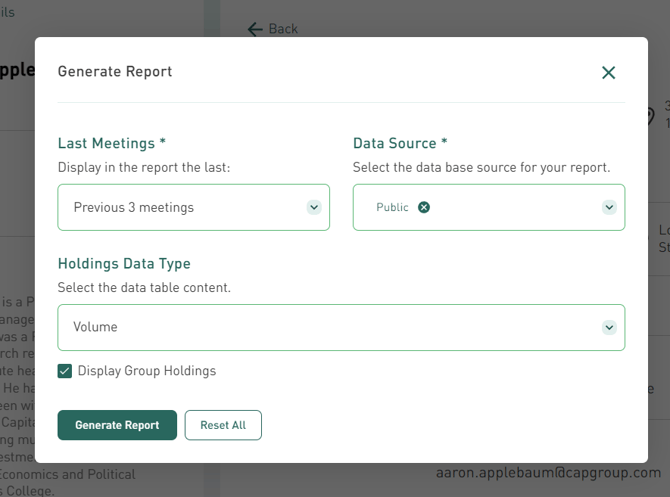
- A preview of the Briefing Note is now displayed. Click on the Download icon in the top-right corner to download the PDF file.
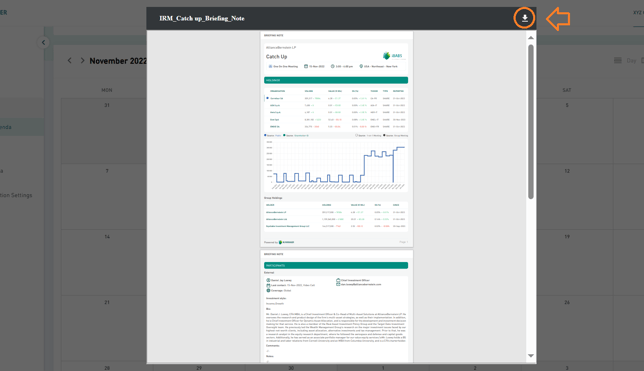
- A PDF file is now downloaded to your computer. Click on it to open the file :