
It is possible to add Meeting Notes to an Activity or a Multi-event. To do that, select the meeting in your Agenda :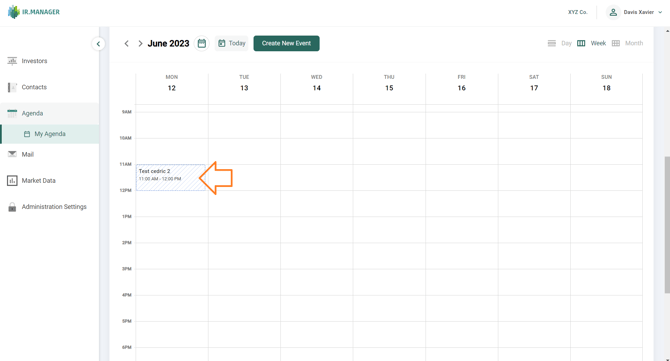
A popup meeting window appears, showing the Meeting details and your Meeting Notes:
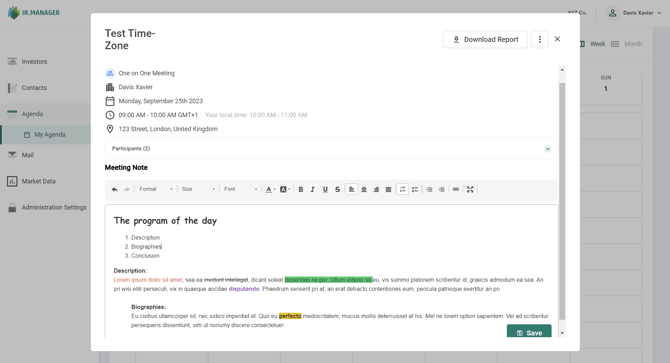
You can see there is a Text Editor to help you structure your notes :
- Size, format, type, color and font background colour.
- Bold, italic, underlined, strikethrough.
- Alignment of the text (left/centered/right/justified).
- Insert/remove numbered or bulleted list.
- Hyperlink.
- Maximize/minimize the window.