
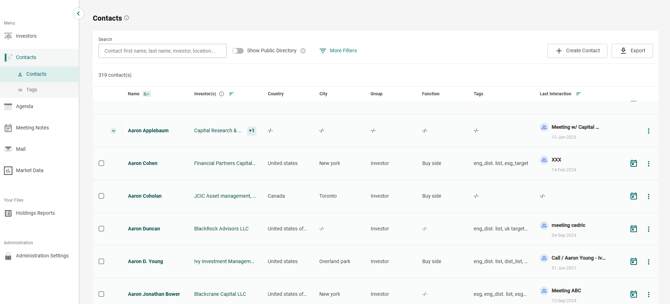
- Go to Contacts.
- Click on the Name of the individual in the first column. For example:
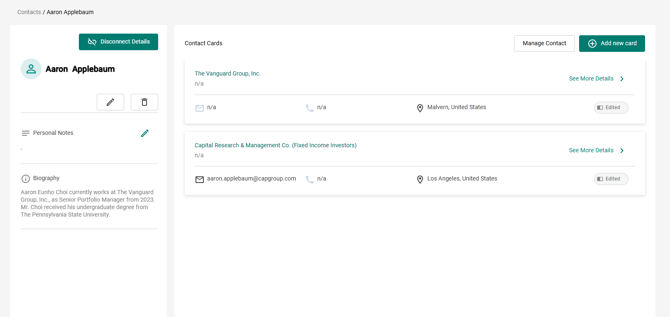
- Once entering the profile of the contact, please click on See More Details on the top right of the page. See below:
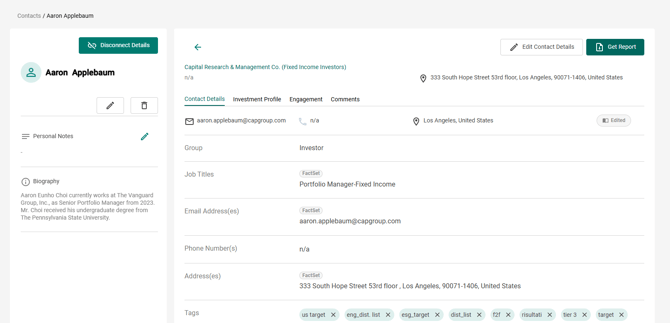
- Click on Get Report in the top right.
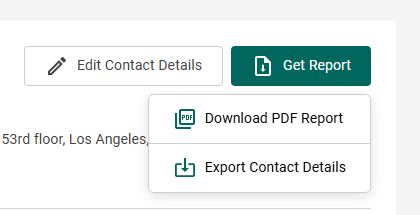
- Click on Download PDF Report:
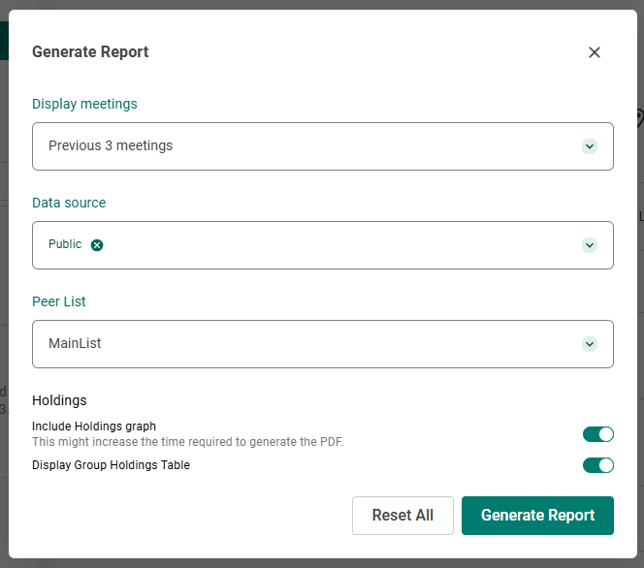
- Select the relevant options to customize your Briefing Note (Last Meetings, Data Source, Holdings Data Type and Display Group Holdings) and click on Generate Report :
- A preview of the Contact Profile will appear, including all the main information related to your contact: the contact details, the Biography, the Holdings, the Meeting History with this contact, the Tags and the Comments. Click on the download icon, in the top-right corner of the preview, to download the PDF.